Double-click. Read. That’s it.
A Markdown viewer that’s actually a Mac app. Free and open source.
JustMD is a Mac app — this link opens the App Store on your Mac.
 Direct download (.dmg)Star on GitHub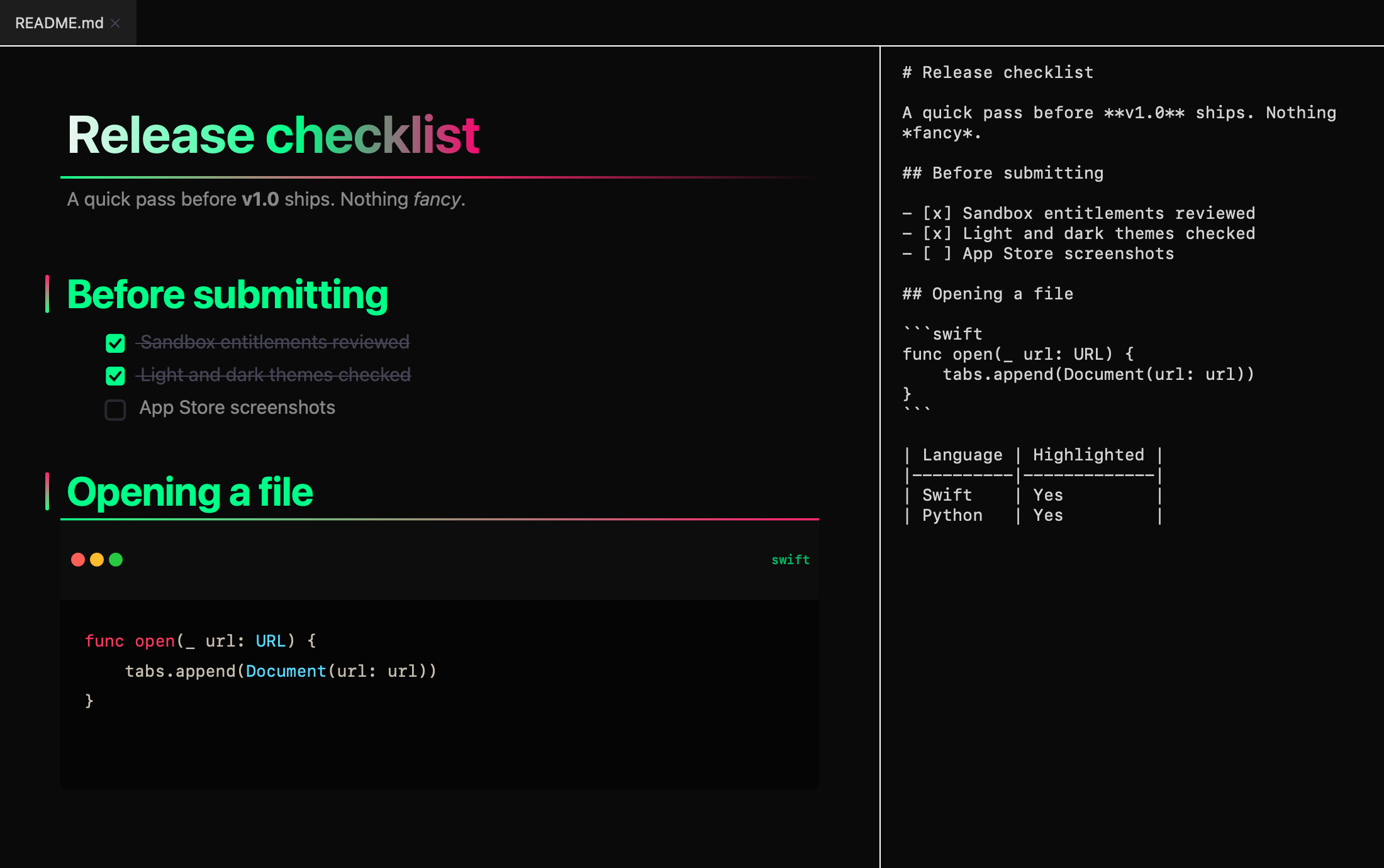
- Native SwiftUI + AppKit
- Sandboxed
- Never phones home
- MIT licensed
Everything a viewer needs.
Nothing it doesn’t.
Opens from Finder
Double-click any .md file. Or drag it in. Or ⌘O.
Tabs
Keep a whole folder of docs open in one window.
Preview + source
Rendered on the left, raw Markdown on the right, refreshed the moment you save in your editor. Hide the source when you don’t need it.
The Markdown you actually write
Tables, task lists, strikethrough, footnotes, images, and fenced code with highlighting for Swift, Python, JavaScript, TypeScript, JSON, Bash and CSS.
Two moods
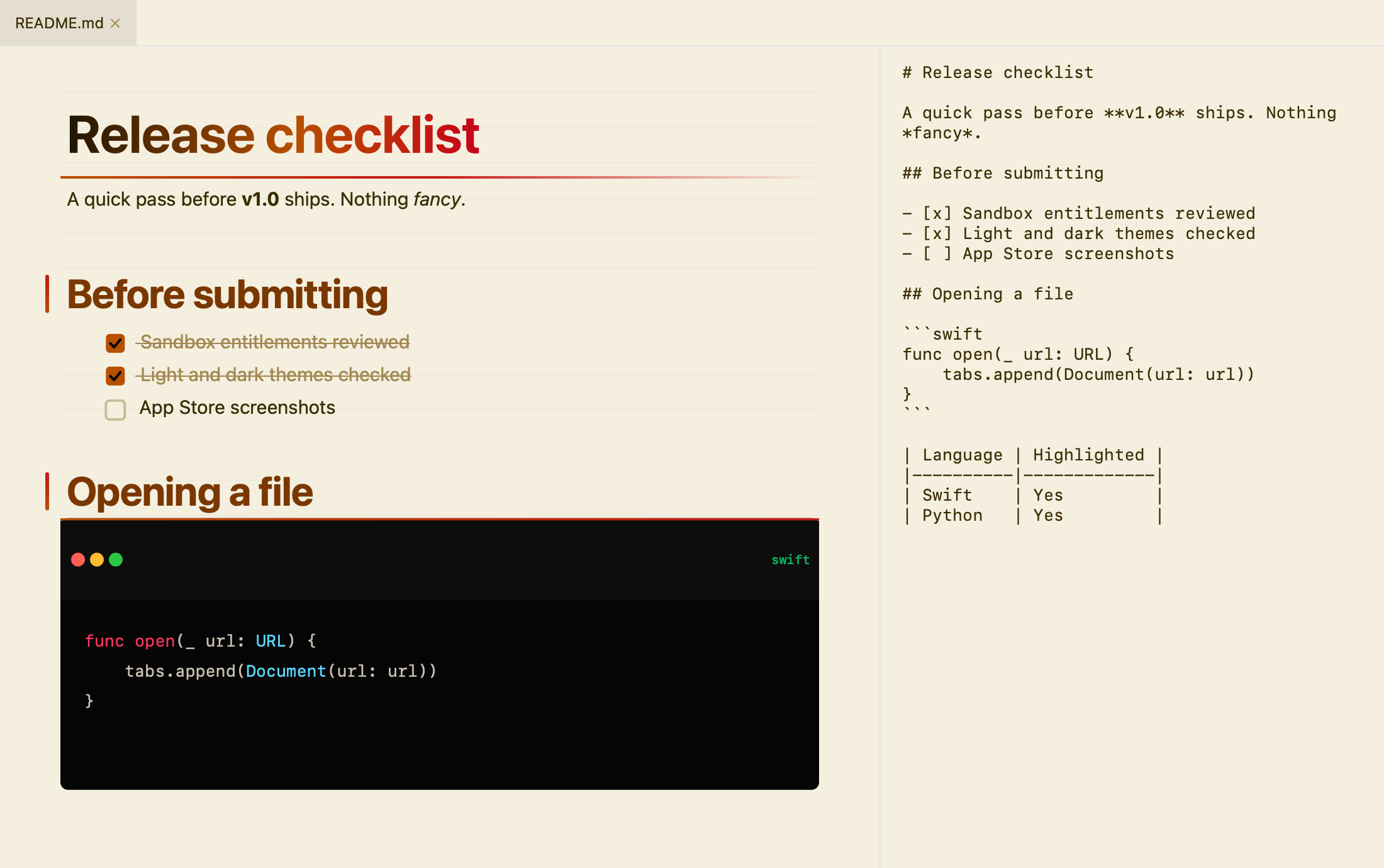
Neon on black at night, warm paper by day. Follows your system appearance.
Private by design
Sandboxed and read-only. No analytics, no accounts, nothing to sign in to. It only goes online to load images your documents link to.
Dark and light mode
Same file. Your Mac decides.
It doesn’t edit. It doesn’t sync. It doesn’t ask you to sign in. It opens Markdown.
That’s the whole idea.
Built in the open.
Read the code, file an issue, send a pull request. Swift, no dependencies you’d be embarrassed by.
A lightweight, native Markdown viewer for macOS. SwiftUI + AppKit, sandboxed, no tracking.
Open your first file.
JustMD is a Mac app — this link opens the App Store on your Mac.
Direct download (.dmg)Star on GitHub